Device
Display basic information of the device
Device List
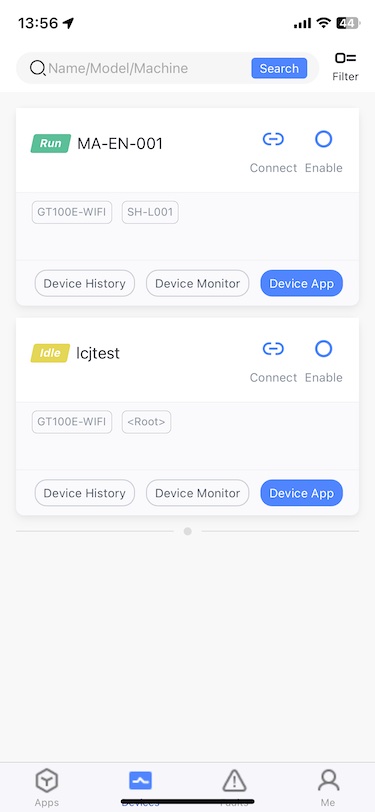
Click on the navigation item Devices
Device Filter
Filter by Name, Model, Machine Type via the search box at the top
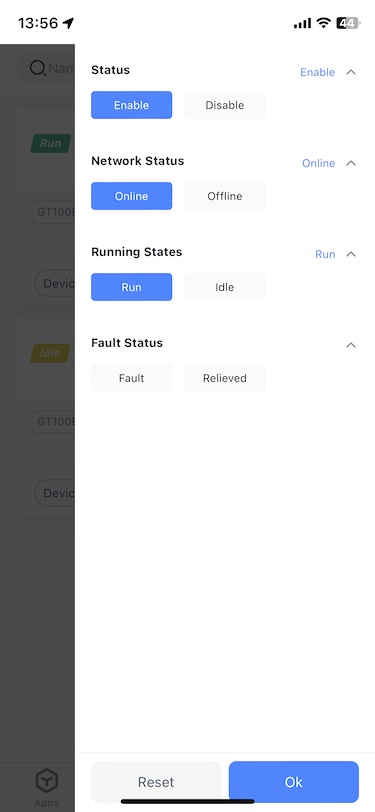
Use the Filter button to filter by Status, Network Status, Running Status, Fault Status
Device Operation
Device App
Click Device App. If the current device has only one app, directly enter the app page. If there are multiple apps, click the corresponding app to enter the corresponding application page.
Records
Click Device History to enter the Records page of the current device
Device monitor
Click Device Monitoring to enter the Device Monitor page of the current device