Basic Introduction
Account and User System
You registered a corporate management account on the platform.After your application is successful, the platform will create an account for the company, and you will automatically become the administrator of that account.
As an administrator, you have full account management permissions, which allows you to create and manage user accounts for your colleagues.You can also grant administrator privileges to other users to assist you in platform management.
Platform Menu Description
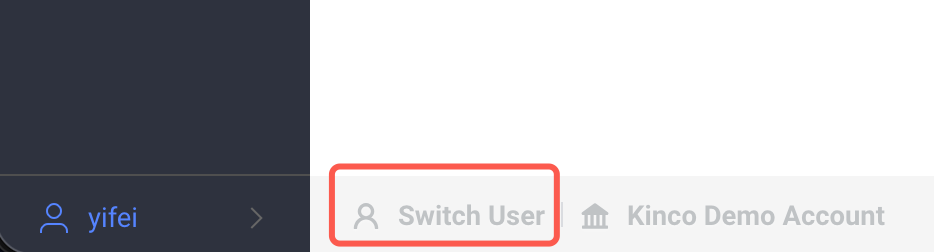
Platform offers two menu patterns that can be switched to: by buttons in the bottom left corner of the interface
- User Menu: An output interface for end users to view configured content.
- Management Menu: An entry point for integrators or administrators to configure and manage devices.
Important Note: You must first complete the configuration of 【Device Monitoring 】 and 【Device Records】 in the management menu before the corresponding interface under the user menu will display the information.

1. Dash Board
This is a visual data dashboard used to centrally display statistical information related to device.Users can independently design and customize the dashboard page and present the required indicators by connecting to data sources.
2. Device Page
Customize visualizer interfaces for each type of device.Users can design and configure their own device-specific monitoring view to clearly display device status and data.
3. Data Source
With simple configuration, it can access device statistics, real-time IX, or external system data, providing flexible data support for operation and maintenance dashboards, device monitoring, and more.
4. Device Model
The device's digital model is used to define the business meaning, field structure, and cloud storage rules of the data reported by the device, and is the core foundation of device data governance.