Snapshot
Snapshot task execution record configured in Model app/Task Snapshot Configuration
Record List
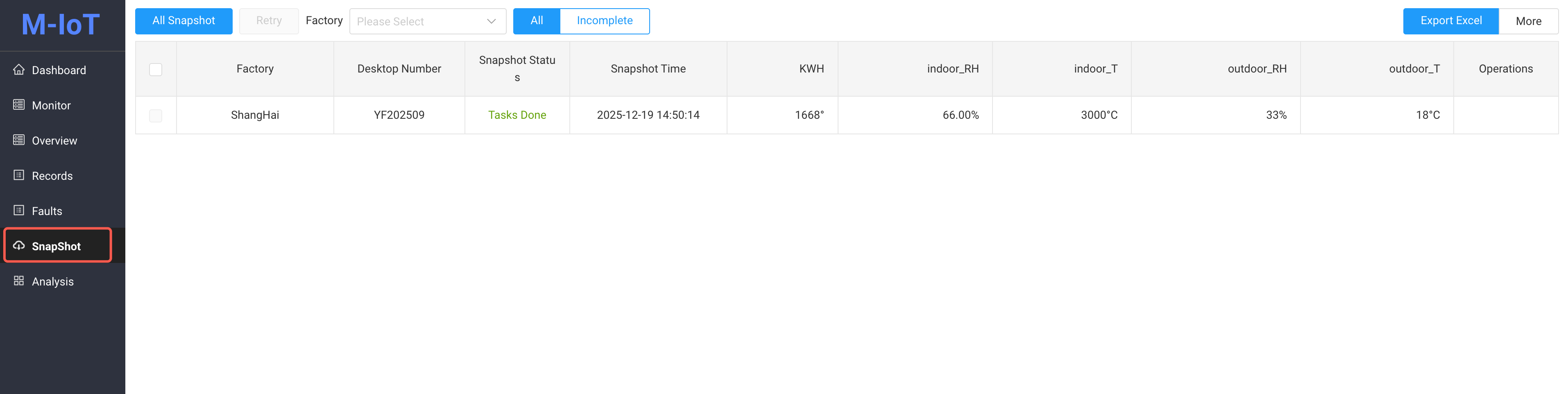
Click the "Snapshot" menu in the left navigation bar
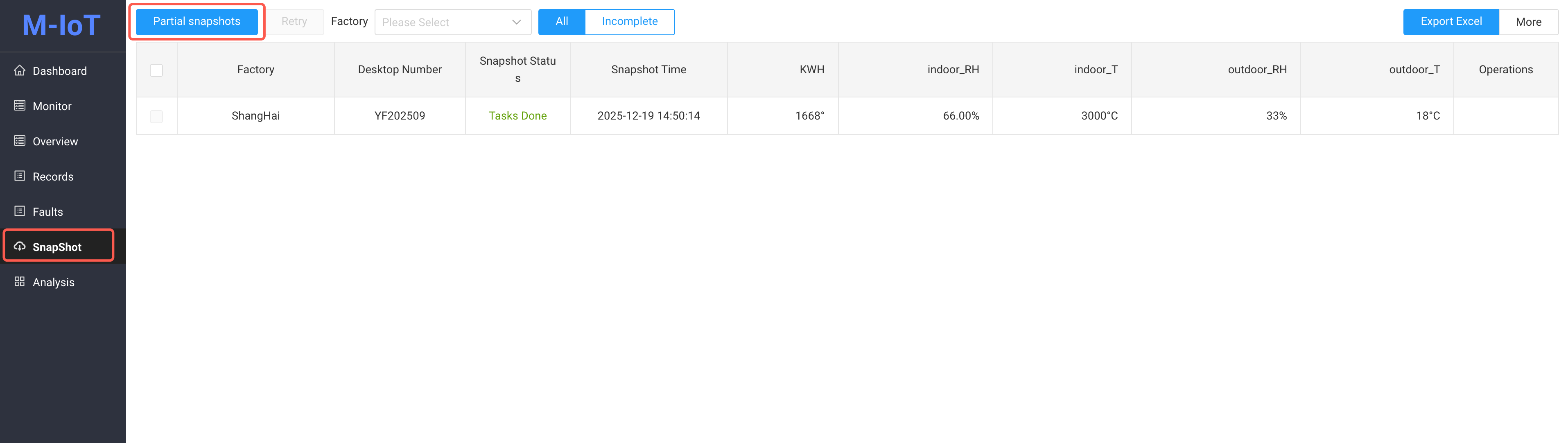
Partial snapshots
If a scheduled snapshot is configured, a "Partial Snapshots" button will be displayed here, allowing you to select specific devices for manual snapshots
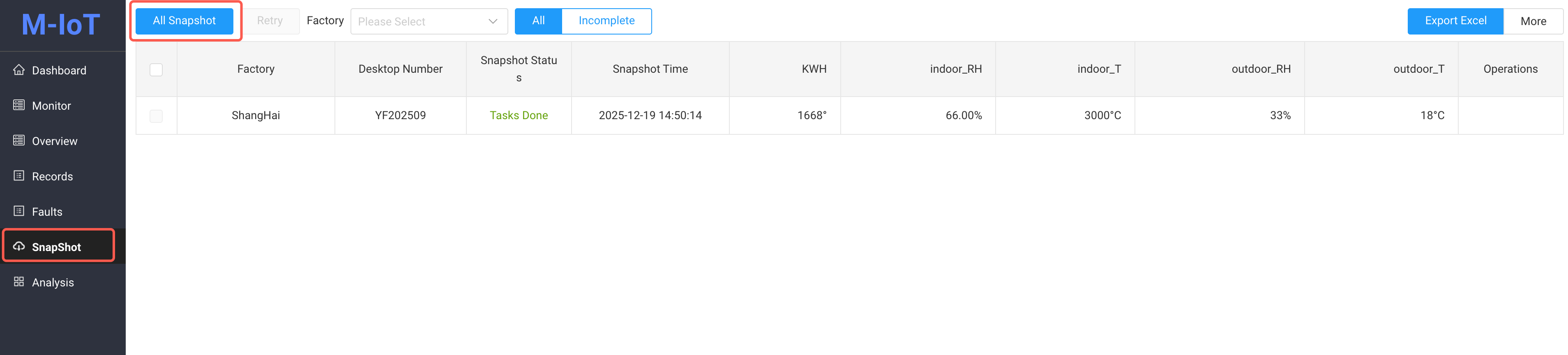
All Snapshot
If no scheduled snapshot is configured, the "All Snapshot" button will be displayed here, allowing you to manually take snapshots of all devices under the configured model
Task Retry and Manual Entry
When a snapshot task fails, you can choose the following action::
- Retry: Re-execute the failed snapshot task
- Manual Input: Click the
Manualbutton to manually enter device data

- Note: 'kwh', 'indoor Hum' is both configured for Task Snapshot Configuration.
Excel Export and More
- Excel Export: Exports snapshot data displayed in the current list
- More: Select Time Range, Batch Export Snapshot Data for the specified time period
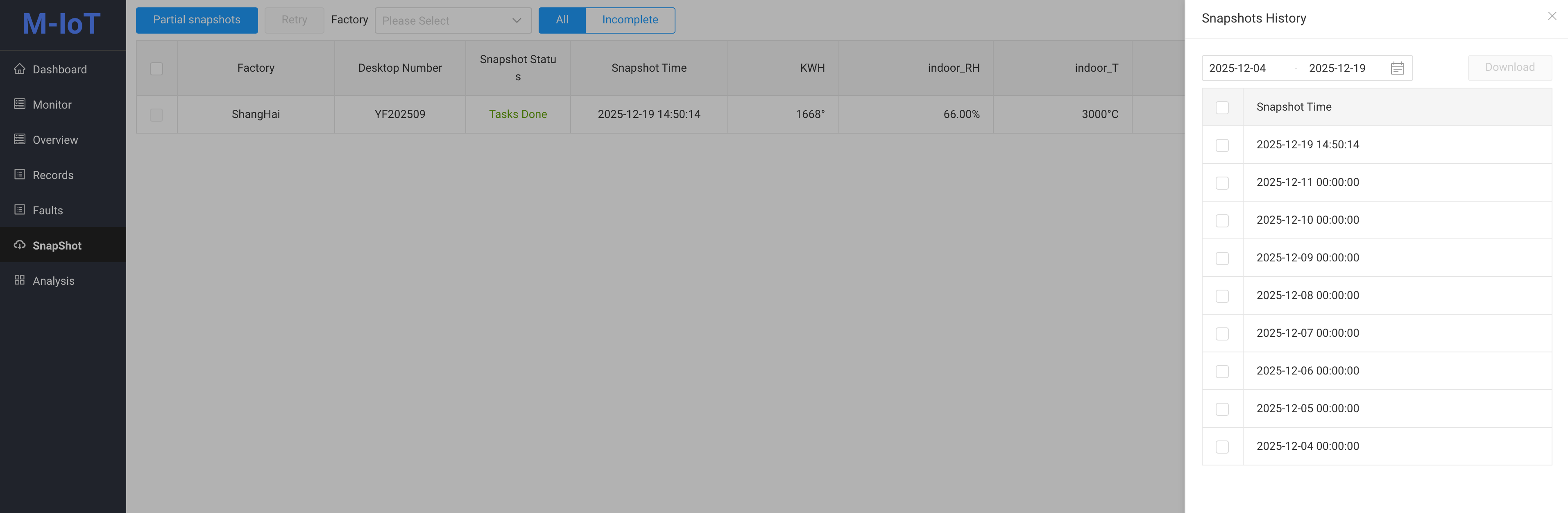
Notes: All snapshot data is automatically collected by scheduled tasks. Manually entered data is used to supplement data records when task execution fails